What to Do If Your Desired Domain Name Is Taken? You’ve spent weeks perfecting your business plan. Your brand name sounds amazing.
Your logo design captures everything you stand for. Then comes the crushing moment when you type your perfect domain name into a registrar and see those devastating words: “Domain not available.” Your heart sinks as reality hits.
Someone else owns the digital address you desperately need for your business. This frustrating scenario happens to thousands of entrepreneurs every single day because over three hundred sixty-eight million domain names are already registered worldwide.
Before you abandon your brilliant brand name or settle for something terrible, you need to know how to get a free domain name with Bluehost using smart strategies that turn this setback into an opportunity for something even better.
Affiliate Disclosure: This article contains affiliate links. If you purchase through our Bluehost link, we may earn a small commission at no extra cost to you. This helps us create more helpful guides for business owners facing domain challenges.
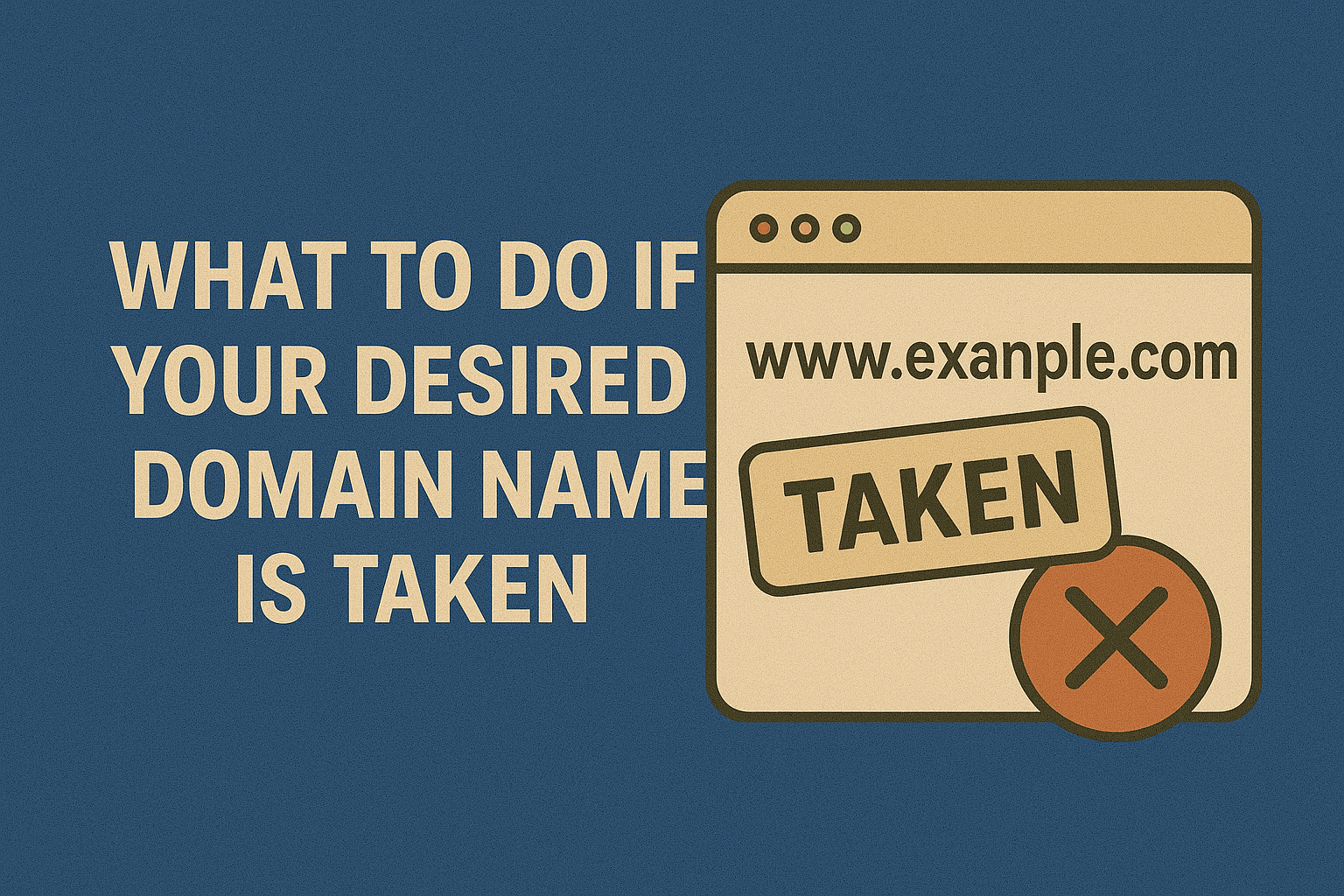
What to Do If Your Desired Domain Name Is Taken
Now, let’s see what you can do if you find out that your so beloved domain name is taken out by a sneaky person below
First Step: Check How the Domain Is Currently Used
Never assume a taken domain is completely lost forever. Many registered domains sit completely unused or abandoned by their owners. Type the domain name directly into your browser address bar and hit enter. Three possible scenarios will reveal themselves instantly.
You might see a fully active website with current content and regular updates. This means the owner actively uses the domain for their business or personal brand. If you see a placeholder page with “This domain may be for sale” or advertising links, the owner parks the domain without actively using it.
Sometimes you’ll land on an error page stating the site cannot be reached, which often indicates the domain exists but has no actual website attached. Each scenario requires completely different strategies for moving forward.
Use WHOIS Lookup to Find Domain Owners
The WHOIS database contains registration information for virtually every domain name on the internet. Visit services like ICANN’s WHOIS lookup tool or Whois.com to search any domain. Enter the domain name you want and the system displays who registered it, when they registered it, and when the registration expires.
Contact information appears if the owner hasn’t enabled privacy protection. You’ll see their name, email address, phone number, and sometimes physical address. Many owners enable privacy protection that replaces personal details with generic registrar information. Privacy protection makes direct contact harder but not impossible.
Even with privacy enabled, you can often send messages through the registrar’s forwarding service. The owner receives your message without exposing their personal contact details. For more on privacy, read how domain name privacy works.
Contact Domain Owners Directly
Reaching out to current owners directly often gets you better prices than using brokers or marketplaces. Craft a professional, concise email explaining your interest in purchasing their domain. Keep your first contact brief because owners receive many scam emails daily and ignore lengthy messages from strangers.
Introduce yourself and your business in two sentences maximum. State clearly that you’re interested in purchasing their domain. Ask if they’re willing to sell and what price they’d consider. Avoid revealing how desperately you need the domain because that information weakens your negotiating position.
Never tell owners this domain is your only option or that your entire business depends on it. Present yourself as a serious buyer exploring multiple options who happens to like their particular domain. Genuine interest combined with professional detachment creates the best negotiation environment.
Negotiate Fair Purchase Prices
Domain pricing varies wildly based on perceived value, owner expectations, and market conditions. Short domains with common words typically cost thousands or tens of thousands of dollars. Longer, more specific domains might sell for just a few hundred dollars. Research comparable domain sales using platforms like NameBio to see what similar domains sold for recently.
Start negotiations below your maximum budget to leave room for counteroffers. Many owners set initial asking prices higher than they’ll actually accept. Never pay the first asking price without negotiating unless it’s already extremely reasonable.
Be patient throughout negotiations because domain deals sometimes take weeks or months to finalize. Some owners need time to think about selling. Others test whether you’ll increase your offer if they wait. Patience often rewards you with better final prices than rushing.
Use Domain Brokers and Marketplaces
Professional domain brokers handle negotiations and transfers for buyers who prefer expert assistance. Services like Sedo, Afternic, and Dan.com connect buyers with sellers. Brokers charge fees but provide valuable expertise in valuation, negotiation, and secure transfers. They know market values and negotiation tactics that maximize your chances of successful purchases at fair prices.
Domain marketplaces list thousands of domains currently for sale with published prices. You can browse available domains and purchase immediately if you agree with the asking price. Some marketplaces allow making offers below asking prices.
The platform handles the entire transaction, including payment processing and domain transfers. Using established marketplaces protects both parties through escrow services that hold payment until a successful domain transfer is completed. For guidance on secure transfers, check out 15 best ways to transfer a domain name without losing SEO.
Monitor Domains for Expiration
Domain registrations expire after one to ten years unless owners renew them. Check the expiration date in WHOIS records for domains you want. Mark your calendar for a few weeks before expiration. Many owners forget to renew or deliberately let unwanted domains expire.
Use domain monitoring services like DropCatch or SnapNames that automatically attempt purchasing domains the moment they become available after expiration. These services employ sophisticated systems that submit purchase requests within milliseconds of availability.
Competition for valuable expired domains gets fierce because multiple people often target the same names. Success isn’t guaranteed, but monitoring gives you a fighting chance at acquiring desired domains without negotiating with current owners. Setting up monitoring alerts costs nothing and takes only minutes.
How to Get a Free Domain Name with Bluehost
Smart entrepreneurs recognize when pursuing specific taken domains makes sense versus choosing excellent alternatives immediately available. Learning how to get a free domain name with Bluehost opens doors to professional web presence without spending hundreds buying premium domains. Bluehost offers free domain registration for one year with hosting plans.
This approach lets you secure quality domains in your niche without waiting months hoping taken domains expire. Bluehost supports hundreds of domain extensions beyond traditional .COM options. Their domain search tools suggest creative alternatives when your first choice is unavailable.
Starting with integrated hosting and domain services from Bluehost provides everything needed to launch successful websites while you potentially pursue premium domains long-term. Many businesses start with alternative domains and grow successfully before ever needing their original first choice. For complete details, visit does Bluehost give you a free domain.
Add Action Words to Create Available Domains
Adding verbs to the beginning of taken domain names creates memorable alternatives that often work better than originals. Words like “get,” “try,” “shop,” “find,” or “buy” transform unavailable names into available ones. GetPocket.com demonstrates this strategy perfectly for a service originally wanting just Pocket.com.
Action verbs create natural calls to action directly in your domain name. “ShopHandmade.com” tells visitors exactly what to expect more clearly than “Handmade.com” alone. “TryYoga.com” invites participation more actively than “Yoga.com.”
These verb additions make domains longer but often more descriptive and engaging. The extra word rarely hurts if it adds clarity and call-to-action strength. Many successful brands use this approach because it works well for both users and search engines.
Extend Your Brand Name Naturally
Tesla famously used TeslaMotor.com for years before acquiring Tesla.com. Adding words that naturally extend your brand maintains identity while securing available domains. The key involves choosing extensions that feel logical and professional rather than random or forced.
If “BrightIdeas.com” is taken, try “BrightIdeasLab.com” or “BrightIdeasStudio.com” if your business involves creative development. “Fitness.com” becomes “FitnessFirst.com” or “FitnessCoach.com” depending on your specific services.
These natural extensions often improve clarity about what your business actually does. They help differentiate you from competitors using similar names. Choose extension words carefully to ensure they accurately represent your business and don’t confuse potential customers. For insights on domain structure, read what is a subdomain.
Trying Alternative Domain Extensions
The .COM extension dominates but hundreds of alternatives exist that work perfectly well. New generic top-level domains like .TECH, .SHOP, .STORE, and .ONLINE specifically target different business types. Industry-specific extensions communicate purpose immediately without requiring extra explanation.
Tech companies increasingly embrace .AI, .IO, and .TECH extensions. Online stores perform well with .SHOP or .STORE. Creative professionals use .DESIGN or .AGENCY. Non-profits choose .ORG while networks prefer .NET. Search engines treat all extensions equally for ranking purposes.
No automatic SEO advantage or disadvantage comes from extension choice. The main consideration involves user trust and memorability. People trust .COM most because familiarity breeds comfort. However, younger audiences readily accept alternative extensions they see everywhere online.
Use Country Code Top-Level Domains Creatively
Country code domains originally represented specific nations. Businesses worldwide now use many ccTLDs for creative purposes unrelated to geography. The .CO extension technically belongs to Colombia but represents “company” globally. Montenegro’s .ME extension works perfectly for personal branding. Tuvalu benefits financially from .TV domains used by streaming services.
These creative repurposings let you find memorable domains using geographic extensions for non-geographic purposes. The practice continues growing as more countries open their ccTLDs for international registration.
Be cautious about using ccTLDs from countries with unstable governments or restrictive internet policies. Research any ccTLD thoroughly before committing your business to domains controlled by foreign governments that might impose unexpected restrictions.
Implement Domain Hacks Strategically
Domain hacks creatively incorporate extensions into the brand name itself. Bit.ly uses Libya’s .LY extension to form the complete word “Bitly.” Delicious originally used Del.icio.us before purchasing the .COM version later. These clever combinations create memorable domains when traditional options are unavailable.
Modern browsers automatically add “www.” and “.com” when users type incomplete addresses, which can cause problems for domain hacks. Users typing “bitly” expect reaching Bit.ly but might land on Bitly.com if someone registered that traditional version.
Domain hacks work best when you also control the .COM version to redirect traffic appropriately. They require more customer education than straightforward names. Consider whether the cleverness truly benefits your brand or just creates confusion.
Add Hyphens With Extreme Caution
Hyphens let you use multi-word phrases as domain names when the unhyphenated version is taken. SearchEngineOptimization.com becomes Search-Engine-Optimization.com with hyphens. However, hyphenated domains carry significant disadvantages that usually outweigh any benefits.
People forget hyphens when typing domains from memory. They see your offline advertising and type the unhyphenated version, landing on competitors’ sites instead. Hyphenated domains look less professional and trigger spam associations in many users’ minds. Search engines don’t penalize hyphens but they don’t help either.
The usability problems alone make hyphenated domains poor choices in almost every situation. Only consider hyphens if absolutely no other alternative exists and your audience will always click links rather than typing your domain manually.
Brainstorming Completely New Names
Sometimes the best solution involves accepting that your first choice is unavailable and embracing creative alternatives. Brainstorm with team members, friends, and family who understand your mission and values. Fresh perspectives often generate brilliant ideas you’d never imagine alone.
Use domain name generators that suggest available options based on keywords describing your business. These tools combine words in unexpected ways that sound good and remain available. Test potential names by saying them aloud.
Good domain names sound natural when spoken because people will share your website verbally. Avoid complicated spellings that require explanation. Keep names relatively short and easy to remember. Two words typically work better than four. For historical context on naming, explore history of domain names.
How To Check Trademark Issues Before Registering
Never register domains containing other companies’ trademarked names. Trademark owners can force you to surrender infringing domains through legal action. This wastes your money, time, and effort building on foundations you can’t keep. Search the USPTO trademark database before committing to any domain name.
Look for registered trademarks matching or closely resembling your desired domain. Even if a .COM domain is available, someone might own the trademark. They could stop you from using the name commercially even though you registered the domain first.
Trademark rights typically supersede domain registrations in legal disputes. Spend an hour researching trademarks to avoid potentially losing years of brand-building work later. Check this article to learn more about what a domain name trademark is and how to avoid it.
Set Up Domain Redirects Strategically
Register multiple domain variations that redirect to your primary website. If “YourBusiness.com” is taken but you use “YourBusinessOnline.com,” also register common misspellings and variations. Set these up as 301 redirects pointing to your main domain. This captures traffic from people who mistype or misremember your exact address.
Own the .NET, .ORG, and other major extensions of your domain name. Point them all to your primary site. This defensive registration prevents competitors or cybersquatters from confusing your customers.
The small annual costs for multiple domains usually justify the protection and traffic capture they provide. Centralize everything on one primary domain for SEO purposes while redirecting variations to protect your brand. For details on managing multiple domains, see how many domains can you host on Bluehost.
Protecting Your Alternative Domain Choice
Once you secure an alternative domain, protect it immediately with proper security measures. Enable two-factor authentication on your registrar account to prevent hijacking. Add domain privacy protection to hide personal information from public WHOIS records. Lock your domain at the registry level to prevent unauthorized transfers.
Set up automatic renewal so your domain never expires accidentally. Register for multiple years upfront when possible. These precautions prevent losing your domain after investing time and money building your brand on it.
Many businesses lose domains to hackers or expiration because they skip basic security steps. Learn from others’ mistakes and protect your digital assets properly from day one. For comprehensive security information, read 10 ways to protect your domain name from hackers.
How to Build Success With Your Alternative Domain
Your domain name matters less than the value you create for customers. Many successful companies started with imperfect domains before later acquiring better ones. Amazon began as “Cadabra” before Jeff Bezos changed it. Google wasn’t Larry and Sergey’s first choice for their search engine name. Your alternative domain can work perfectly if you focus on building an excellent business.
Strong branding, quality products, and outstanding customer service matter infinitely more than having the theoretical perfect domain name. Customers remember businesses that solve their problems and deliver great experiences.
They forget the domain names of companies that disappoint them, even if those domains are flawless. Pour your energy into creating value rather than obsessing over whether your domain is absolutely optimal. Success builds on substance, not just the sign above your digital door.
Move Forward With Confidence
Discovering your desired domain is taken feels discouraging initially but often leads to better alternatives. The process forces creative thinking that produces stronger brand names than your first instinct. Many entrepreneurs later admit their alternative domains work better than original choices would have.
When you learn how to get a free domain name with Bluehost and apply these strategic alternatives, you position yourself for immediate action instead of waiting indefinitely. Start building your web presence today with Bluehost using available domains that serve your business perfectly well. Your specific domain matters far less than launching quickly and iterating based on real customer feedback.
The best domain in the world means nothing without a functioning business behind it. Choose a solid available alternative, secure it properly, and focus your energy on building something customers love. Success in 2026 comes from execution and value creation, not from achieving mythically perfect domain names.